How to Check CIBIL Score by PAN Card in 5 Minutes, Complete Guide
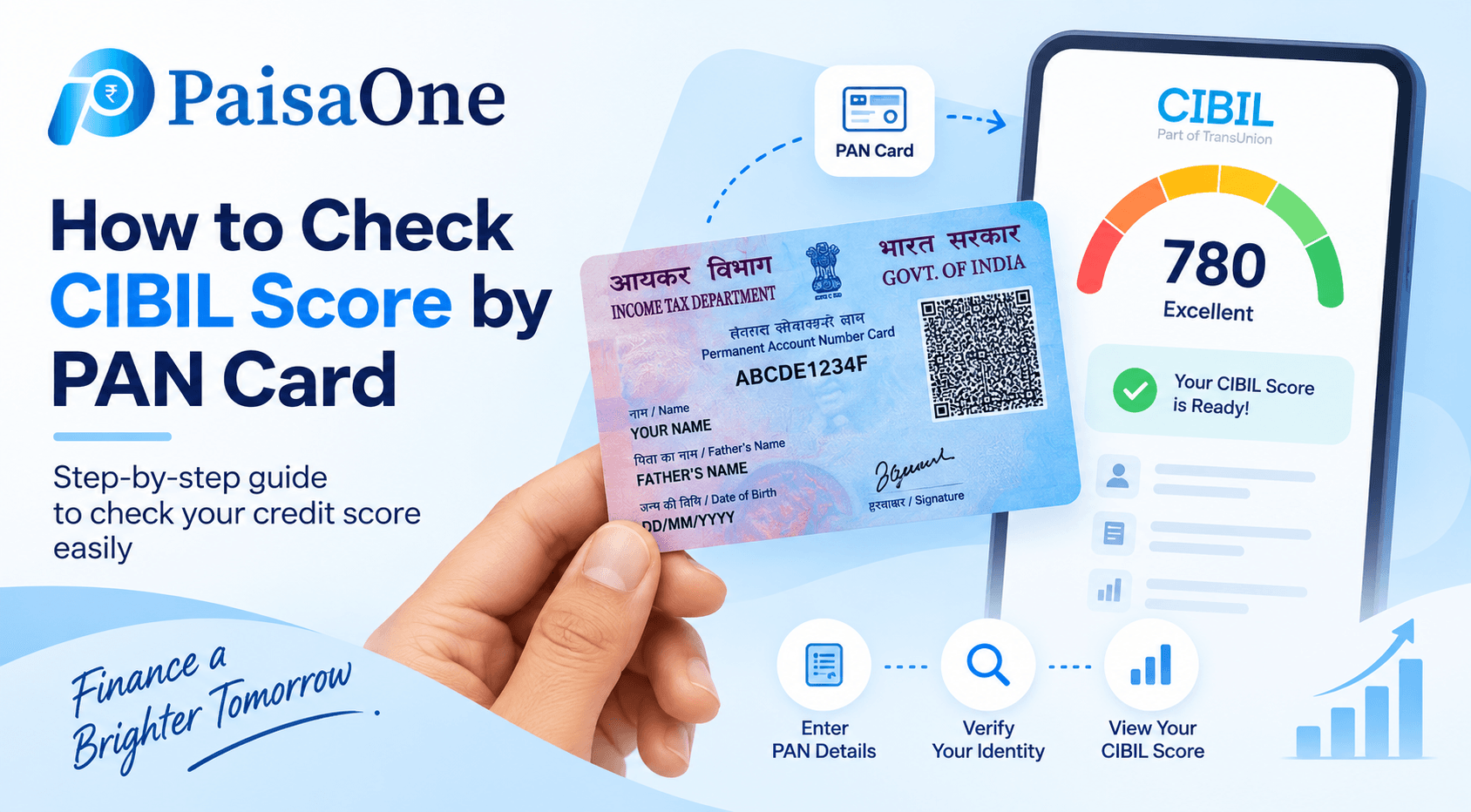
Your PAN card is the fastest route to your CIBIL score. It's the unique identifier that links every loan and credit card you've ever had to one consolidated financial profile. In under 5 minutes, using just your PAN number, name, date of birth, and a phone to receive an OTP, you can see your CIBIL score and full credit report for free.
This guide walks you through the quickest method, three faster alternatives, and exactly what to do if verification fails.
The Fastest Method: Official TransUnion CIBIL Website
This is the direct route, you go straight to the source. It takes 4-5 minutes, is completely free once per calendar year, and gives you the official report with no middleman.
Step-by-Step Process
Step 1: Go to cibil.com Open your browser and navigate to the official TransUnion CIBIL website at cibil.com. Click the "Get Your Free CIBIL Score" button prominently displayed on the homepage.
Step 2: Select "Register" (First Time) or "Login" (Returning) If this is your first time checking, choose "Register." If you've checked before and have login credentials, click "Login" to skip re-entering all details.
Step 3: Enter Your Basic Information Fill in: Full name (exactly as on your PAN card), date of birth, email address, mobile number, and gender. Match your name to your PAN card word-for-word, even a spelling variation will stall verification later.
Step 4: Enter Your PAN Number Type your 10-character PAN number carefully. PAN is case-sensitive for the letters (uppercase), so get it right. Example format: AAAAA1111A.
Step 5: Complete CAPTCHA Tick the "I'm not a robot" CAPTCHA box or solve the puzzle that appears. This confirms you're human, not an automated script.
Step 6: Accept Terms and Conditions Read and tick the checkbox agreeing to CIBIL's terms and privacy policy. You're authorizing CIBIL to pull your credit data.
Step 7: Submit and Wait for OTP Click "Submit." A 6-digit one-time password (OTP) will be sent to the mobile number you registered with. Check your SMS inbox (it comes within seconds).
Step 8: Enter OTP Type the 6-digit OTP into the verification field. You have 10 minutes to enter it before it expires. If it expires, you can request a new OTP.
Step 9: Answer Security Questions CIBIL may ask you 1-3 security questions based on your credit history, for example, "Which bank gave you your car loan in 2023?" or "What was the original loan amount?" These prove it's really you. If you don't remember answers, you can skip and re-verify using alternative identity confirmation.
Step 10: View Your CIBIL Score Once verified, your score and full credit report appear on screen instantly. Your score is a 3-digit number between 300 and 900. Most lenders feel comfortable above 750.
Step 11: Download and Save Your report will be emailed to your registered email address automatically. Download it to your device and save, you'll need this for loan/credit card applications.
Read More: What Is CIBIL Score? Definition, Ranges & How It Affects
Three Faster Alternatives (Even Quicker)
If you want to check CIBIL score using PAN in under 2 minutes, these methods are instant but limited in detail.
Method 1: Google Pay (Instant, 1 Minute)
Open the Google Pay app on your phone.
Scroll to "Manage Your Money" and tap "Check Your CIBIL Score Free."
Tap "Check Your Score Now."
Enter PAN, name, DOB, and phone number.
Verify via OTP.
Your score appears instantly.
Pros: Fastest method, no website navigation, built into an app you likely already have. Cons: Shows only the score and a brief snapshot, not the full detailed report.
Method 2: Paytm (Instant, 1-2 Minutes)
Open Paytm app.
Search for "Credit Score" in the app's search bar.
Tap "Check Now."
Enter PAN and DOB.
Verify via OTP.
Score displays immediately.
Pros: Another app-based instant check, clean interface. Cons: Limited detail, only shows score, not transactions or full report.
Method 3: Paisabazaar (Instant, 2 Minutes)
Go to paisabazaar.com or open the app.
Search "Check CIBIL Score."
Enter PAN, name, DOB, and mobile.
Verify OTP.
Score and basic report appear.
Pros: Also provides loan/card recommendations based on your score on the same page. Cons: Paisabazaar is an aggregator, they earn referral fees if you apply for a loan shown to you.
What Information You Need Before Starting
Have these ready to avoid delays:
PAN Card Number, 10-character unique identifier (format: AAAAA1111A)
Full Name, Exactly as printed on your PAN card (spelling matters; even "Rahul" vs "Rahul Kumar" matters)
Date of Birth, In the format MM/DD/YYYY or DD-MM-YYYY (check what format your PAN has)
Mobile Number, The one registered with CIBIL (most recent phone number linked to your bank accounts)
Email Address, Where your report will be sent
Read More: How to Improve Your CIBIL Score
Why OTP Verification Is Mandatory (And Why It's Good)
Every legitimate platform requires OTP verification before showing your credit report. This isn't bureaucracy, it's a security mandate from the Reserve Bank of India.
Think of it this way: Your PAN is like your username. It's visible on tax returns, salary slips, and rent agreements. But an OTP is your password, only you have access to your phone. Without OTP verification, anyone with your PAN could theoretically pull your credit report and see all your loan details, credit card balances, and payment history.
The 10-minute OTP expiry window ensures that only someone with immediate access to your phone can view your data.
Warning: If any website claims to check CIBIL score by PAN card without OTP, it's fake. The RBI doesn't permit this. Legitimate platforms (cibil.com, Google Pay, Paytm, Paisabazaar, PaisaOne) all require OTP.
What If Verification Fails? Common Mistakes and Fixes
Problem: "Details Do Not Match"
This is the most common issue. Your name, DOB, or mobile on file with CIBIL doesn't exactly match what you entered.
Fix: Pull out your actual PAN card and compare character-by-character. Check for:
Middle name spelling variations (is it "Singh" or "Sinh"?)
Suffix variations (Jr., Sr., II, does your PAN include it?)
Date of birth format (DD-MM-YYYY vs MM-DD-YYYY)
Mobile number, make sure it's the one your bank has on file, not a new number
Retype carefully. Even one typo (like "Raul" instead of "Rahul") will fail.
Problem: "This PAN Has No Credit History"
Your PAN has never been linked to a loan or credit card. This means either:
You've never borrowed money, so CIBIL has no data on you (you'd have NA/NH status).
Your loans/cards are reported under a different name spelling or identity.
Fix: Link your PAN to a bank account first. Apply for a credit card or small personal loan to build a credit history. Once reported, checking again 30 days later should work.
Problem: "OTP Not Received"
Rare but happens if SMS is blocked or delayed.
Fix:
Check your spam/junk SMS folder.
Try requesting OTP again (there's usually a "Resend OTP" button).
Make sure your phone number hasn't changed since you opened your bank account.
Use a different platform's CIBIL checker (Google Pay or Paytm) to verify the same score.
Problem: "Session Expired"
You took too long between steps.
Fix: Refresh the page and start again. The process should be completed within 10 minutes to avoid timeout.
After You Check, What Your Score Means
Your CIBIL score is a 3-digit number. Here's what it signals:
Most major banks in India start lending comfortably above 750. If you're below 700, focus on improving your score before applying for loans or credit cards.
Checking Your Score Doesn't Hurt It
A crucial fact: checking your own CIBIL score is a soft inquiry and has zero impact on your credit score. You can check as many times as you want, 10 times, 100 times, and it won't drop your score by even one point.
A hard inquiry only happens when a lender pulls your report during a loan or credit card application. That's what can lower your score slightly. Checking it yourself is safe.
How Often Should You Check?
Officially on CIBIL's website: Once per calendar year for free. After that, you'd need a paid subscription.
Through apps and aggregators: Usually monthly or quarterly for free, though some limit free checks to reduce their infrastructure costs.
Before any major borrowing: Always check 1-2 weeks before applying for a loan or credit card so you know your rate range and approval odds. PaisaOne shows you your approval odds before you formally apply.
Next Steps After Checking Your CIBIL Score
Once you have your score:
Score is 750+: Excellent. Compare personal loan and credit card offers on PaisaOne to find the best rates for your profile.
Score is 650–749: Good but room to improve. Focus on on-time payments for the next 3 months, then recheck and apply.
Score is below 650: Improve first. Pay all EMIs and credit card bills on time, reduce credit card utilization below 30%, and dispute any errors on your report. Recheck in 3–6 months.
Score is NA/NH: Build credit history. Apply for a credit card or small personal loan from your bank, pay it on time, then recheck in 6 months.
Frequently Asked Questions
Q: Can I check my CIBIL score by PAN card without providing my name and DOB?
A: No. CIBIL requires your full name, PAN, DOB, and mobile to verify you're the account holder. These details link to your credit history.
Q: Will checking my CIBIL score by PAN card lower my credit score?
A: No. Checking your own score is a soft inquiry with zero impact. Only hard inquiries from lenders during loan/card applications can affect your score.
Q: How many times can I check my CIBIL score by PAN card for free?
A: On CIBIL's official website: once per calendar year. Through Google Pay, Paytm, and other platforms: usually monthly or more, though confirmation with each app is wise since limits change.
Q: What if my PAN card has no credit history?
A: You'll see an NA or NH status (No Activity or No History). This means you've never had a loan or credit card reported to CIBIL. Take a credit card or small loan to build history, then check again in 30 days.
Q: Is it safe to check CIBIL score by PAN online?
A: Yes, on legitimate platforms (cibil.com, Google Pay, Paytm, Paisabazaar, PaisaOne). All are RBI-regulated and require OTP verification. Avoid unknown websites claiming to check without OTP, those are frauds.

Divya
Divya Kumari is an SEO & Content Strategist with experience in organic traffic growth, topical authority building, and content-led SEO strategies. She specializes in creating user-focused content for finance and SaaS websites, helping brands improve visibility through structured content planning, internal linking, and search optimization techniques.