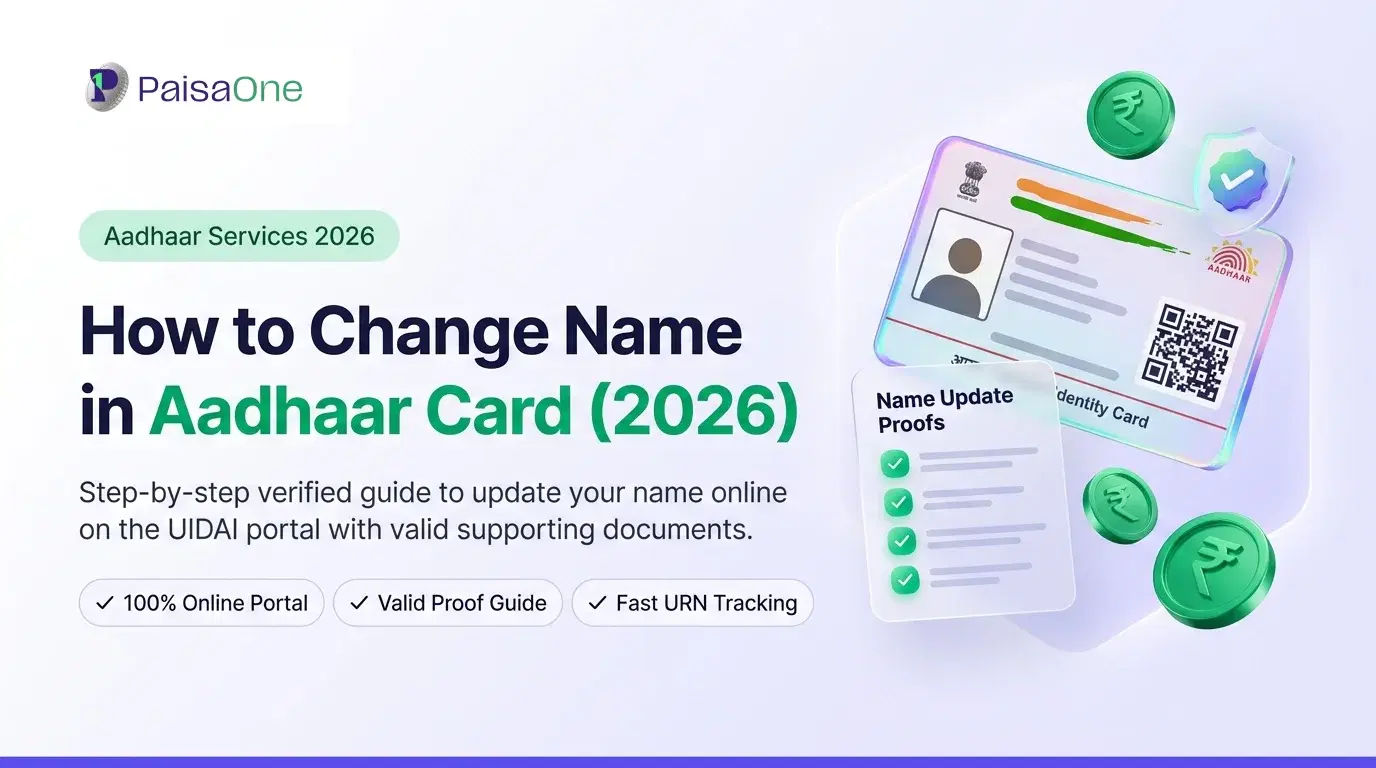
How to Change Name in Aadhaar Card (2026): Steps and Documents
Before anything else, the most important thing to know:
You cannot change your name on Aadhaar online. Not in 2026. The myAadhaar portal and mAadhaar app only support address updates. As UIDAI's own FAQ confirms, name, date of birth, and mobile number updates are offline-only and must be done at an Aadhaar Seva Kendra in person.
Several articles ranking on Google say otherwise. They're wrong. Following those instructions will send you looking for a portal that doesn't exist.
Here's the accurate process, including what documents you need for your specific situation, the 2-change lifetime limit, and what to do if you've already used both changes.
The 2-Change Lifetime Limit, Know This Before You Go
UIDAI normally permits a name update twice; further changes require the prescribed exception process and supporting documents.
This applies to everyone. A spelling correction uses one of your two changes. A post-marriage surname update uses one. If you've already done both, the standard form won't be processed, you'll need to go through an exception route.
How to check how many changes you've already made: Log in to myaadhaar.uidai.gov.in → go to "Update Aadhaar" → the system will show your update history, including name changes, when you select the name field.
If you've used both changes: Contact the UIDAI helpline (1947) to understand the exception process for your case, or visit your nearest regional UIDAI office with a formal affidavit explaining why a third change is needed. A gazette notification significantly strengthens this request.
Read More: How to Update Your Aadhaar Card in 2026
Documents Required, By Your Situation
The documents you need depend entirely on why you're changing your name. Don't show up with the wrong paperwork.
Situation A: Minor Spelling Correction
You need a single Proof of Identity (POI) document that shows the correctly spelled name.
Accepted documents include: passport, PAN card, voter ID, driving licence, bank passbook (with photo), Central or State Government-issued photo ID card, pensioner photo identity card, NREGS job card, or a school-leaving certificate (for minors).
The name on the document must exactly match what you're asking UIDAI to update to. If there's any mismatch, even punctuation, the request will be rejected.
Situation B: Post-Marriage Surname Change
You need:
A registered marriage certificate, this is the key document; a religious ceremony certificate is often not sufficient. The certificate must show your name before and after marriage.
Any standard POI document from the list above.
The marriage certificate must be in your name and clearly show the name change. Bring originals plus self-attested photocopies.
Situation C: Full Legal Name Change
For a complete legal name change, a Gazette notification is mandatory. Minor spelling corrections are simple, but full legal name changes usually require gazette notification.
The gazette process has three steps before you can visit the Aadhaar centre:
Step 1, Affidavit: Prepare a sworn affidavit stating the reason for the name change. This must be notarised.
Step 2, Newspaper publication: Publish a notice in one local and one national newspaper announcing the name change.
Step 3, Gazette notification: Apply on the gazette website of your state or the Central Government to have your new name published officially. This typically takes 4–6 weeks.
Once you have the gazette notification, visit the Aadhaar Seva Kendra with the gazette copy + any standard POI.
Read More: Aadhaar Address Update 2026: Online, Offline, HOF Route
Step-by-Step: Changing Name at an Aadhaar Seva Kendra
Download the Aadhaar Enrolment and Update Form from the official UIDAI website. Visit your nearby Aadhaar enrolment centre or Aadhaar Seva Kendra. Fill in the necessary details and provide this form to the executive. Submit the original Proof of Identity document to the executives, they will take a xerox of it and give it back to you. Pay a fee of ₹75. You will receive an acknowledgement slip containing an updated URN that you can use to track your Aadhaar update status.
Here's each step in full:
Step 1, Download the form Get the Aadhaar Enrolment and Update Form from uidai.gov.in. You can also collect one at the centre, but downloading and pre-filling saves time.
Step 2, Find your nearest centre and book an appointment Use the Centre Locator at uidai.gov.in → "Locate an Enrolment Centre." Booking an appointment online (via myAadhaar) avoids walk-in queues. Centres are typically open Monday to Saturday.
Step 3, Fill the form Write clearly in block letters. Enter your current Aadhaar number and the new name exactly as it appears on your supporting document, including capitalisation and spacing.
Step 4, Submit documents at the centre Hand the form and original documents to the operator. They will verify your originals, take a photocopy, and return the originals. Your biometrics (fingerprint or iris) may be captured as part of identity verification.
Step 5, Pay ₹75 and collect your URN Pay the fee at the counter. You'll receive an acknowledgement slip with a 14-digit Update Request Number (URN). Keep this, you'll need it to track your request.
Fee, Timeline, and Tracking
Fee: ₹75 at an Aadhaar Seva Kendra for demographic updates (GST inclusive).
Timeline: Typically 30 days. UIDAI can take up to 90 days in some cases, particularly for requests requiring additional verification.
Track your request: Visit uidai.gov.in → My Aadhaar → Check Aadhaar Update Status → enter your 12-digit Aadhaar number and 14-digit URN → submit.
Helpline: Call 1947 (toll-free, available all days) if your status hasn't moved in 30+ days or if you receive a rejection you want to contest.
Status meanings:
Under Process, received and queued; no action needed
Approved, name updated; download e-Aadhaar now
Rejected, check reason; correct and re-submit or call 1947
Downloading Your Updated Aadhaar
Once approved:
e-Aadhaar (free): Visit myaadhaar.uidai.gov.in → Download Aadhaar → enter Aadhaar number → request OTP → enter OTP → download PDF. Password for the PDF is your PIN code (entered during download).
e-Aadhaar is legally valid for all purposes, banking, KYC, government services, travel, identical to the physical card.
Physical PVC card (₹50): Order via myaadhaar.uidai.gov.in → Order Aadhaar PVC Card. Delivered by post.
Common Rejection Reasons (and How to Avoid Them)
Every Aadhaar name correction request must be supported by a UIDAI-accepted proof of identity. Applications without valid documents are automatically rejected, even if the name change looks minor.
Reason 1: Name on document doesn't exactly match what you entered on the form Even a comma, dot, or title ("Mr."/"Smt.") discrepancy can cause rejection. Write the name exactly as it appears on the POI document, character for character.
Reason 2: Document not in the applicant's name Using a family member's document won't work for name updates. The POI must be in your own name.
Reason 3: Expired documents submitted by UIDAI may not accept expired passports or driving licences as valid POI even if the name is clearly shown. Use a current document.
Reason 4: Name mismatch with PAN If your requested Aadhaar name doesn't match your PAN, UIDAI may flag the request. Ideally, correct both simultaneously to avoid a chain of mismatches.
Reason 5: 2-change limit exhausted The portal won't flag this clearly, but processing will be blocked. If you suspect this is the issue, call 1947 before re-submitting.
Re-submission: If rejected, the rejection message on the UIDAI portal usually indicates the reason. Correct the specific issue and re-submit with fresh documents. A rejection does not consume one of your two permitted changes, only approved updates count.
After Your Name Is Updated, What to Refresh
Your Aadhaar name is the upstream source for financial KYC across India. Once it's updated, other records need to follow.
Bank accounts: All banks you hold accounts with will need KYC re-verification if your name has changed. Most accept e-Aadhaar-based e-KYC for this. Visit the branch or use the bank's online KYC update tool.
PAN card: If your PAN still carries the old name, apply for a correction at incometax.gov.in → e-Filing Portal → My Profile → PAN/TAN → correct the name. PAN-Aadhaar name matching matters for financial transactions.
Voter ID: Separate process, submit Form 8 (correction of entries) at your nearest BLO or at voterportal.eci.gov.in.
Loans and credit products: Most lenders run Aadhaar-based e-KYC during loan applications. If your Aadhaar name now matches your PAN and bank records, applications process faster and without manual review flags. Keeping these three aligned is the single most important thing for smooth financial service access.
FAQ
Can I change my name on my Aadhaar card online?
No, not in 2026. Only address updates are available on myAadhaar. Name changes require a physical visit to an Aadhaar Seva Kendra with a valid Proof of Identity document.
How much does it cost to change name on Aadhaar?
₹75 at an Aadhaar Seva Kendra for a demographic (name) update. This is inclusive of GST.
What documents are needed for name change after marriage?
A registered marriage certificate showing your name before and after marriage, plus any standard POI document (passport, PAN, voter ID). The marriage certificate must be in your name. Religious ceremony certificates are typically not sufficient.
How many times can I change my name on Aadhaar?
Twice in a lifetime. A spelling correction uses one change; a surname update uses another. If the limit is exhausted, you'll need to contact the UIDAI regional office with an affidavit or gazette notification for an exception to be considered.
How long does an Aadhaar name change take?
Typically 30 days. UIDAI can take up to 90 days. Track progress at uidai.gov.in using your URN, or call 1947.
Is gazette notification required for all name changes?
No, only for a full legal name change. A spelling correction or post-marriage surname update does not require gazette notification; a standard POI document is sufficient.
Liked this article?
Share it with your friends or get an instant summary with AI.
Divya
Divya Kumari is an SEO & Content Strategist with experience in organic traffic growth, topical authority building, and content-led SEO strategies. She specializes in creating user-focused content for finance and SaaS websites, helping brands improve visibility through structured content planning, internal linking, and search optimization techniques.