Aadhaar Address Update 2026: Online, Offline, HOF Route
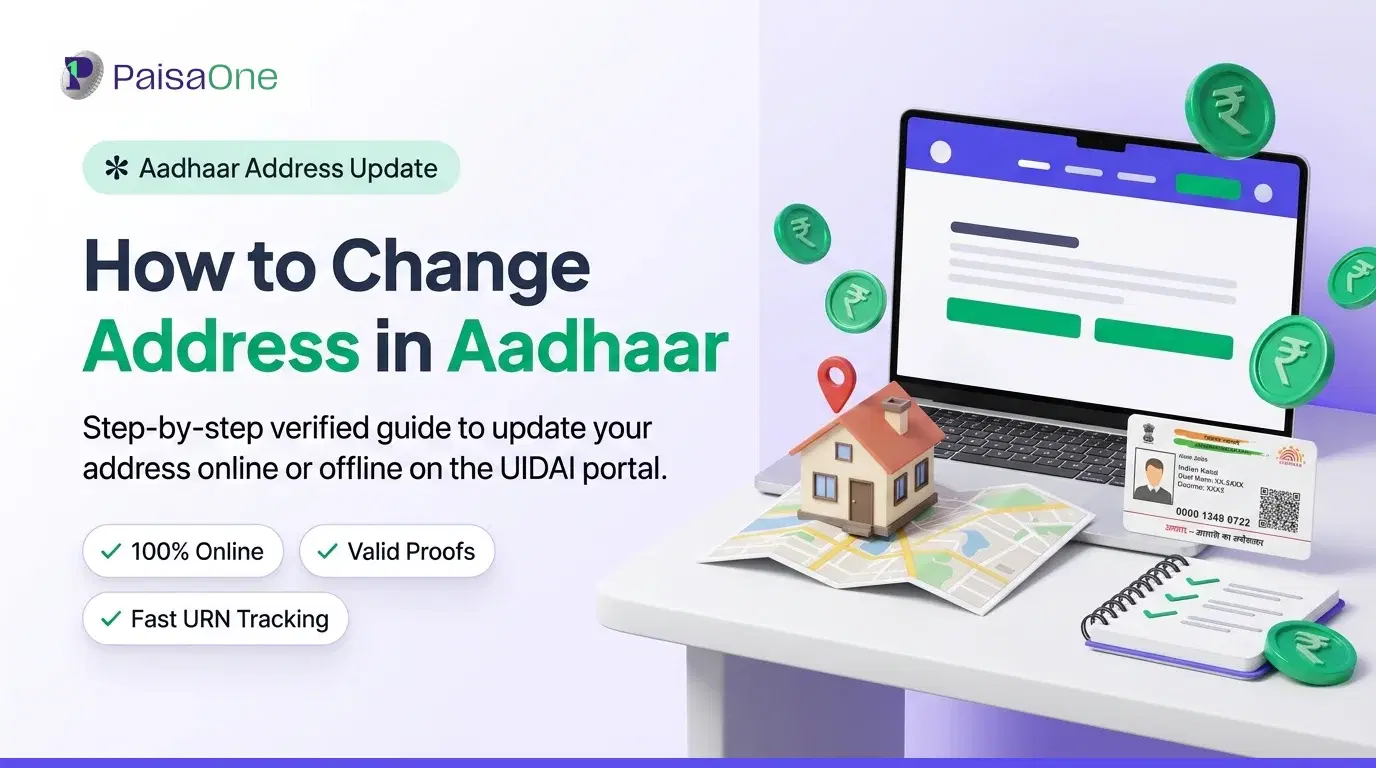
Moved recently? Updating your address online takes about 10 minutes if your mobile number is linked to Aadhaar. If not, or if you have no address proof in your own name, there are still clear routes available.
This guide covers all four methods, the correct fees, accepted documents, and what to do if your situation doesn't fit the standard path.
Pick Your Route First
Don't read the whole article. Find your situation below.
1. Is your mobile number linked to Aadhaar? Online address update requires OTP sent to a registered mobile. If yours isn't linked, you must visit an Aadhaar Seva Kendra, you can't complete the online process without it. 2. Is the address proof in your own name? The uploaded document must show your name and the new address you're adding. If you live with a parent, spouse, or family member and hold no document yourself, use the HOF route (Method 3 below). 3. Fee clarity: Online via myAadhaar: ₹50 At an Aadhaar Seva Kendra: ₹75 (GST inclusive) Free re-validation window (existing address only): ₹0, available until 14 June 2027 To update your Aadhaar address online, visit the official UIDAI portal, log in with your Aadhaar number and OTP, select Address Update, enter your new address, and upload a valid Proof of Address document. Pay the ₹50 update fee online and submit the application. You will receive an Update Request Number (URN) to track your request. Step 1: Go to myaadhaar.uidai.gov.in Step 2: Click "Login", enter your 12-digit Aadhaar number, captcha, and OTP sent to your registered mobile Step 3: From the dashboard, select "Update Aadhaar Online" → "Address Update" Step 4: Enter your new address accurately, matching the document you're uploading Step 5: Upload a valid Proof of Address document, colour scan or clear photo, legible, in PDF or JPG format Step 6: Pay ₹50 via online payment → submit Step 7: Note your 14-digit URN from the acknowledgement page (screenshot it) What you can update online: Address and address documents only. What requires a centre visit: Name, date of birth, gender, biometrics (fingerprint/iris), mobile number linking. Use this if your mobile isn't linked, or if you're updating anything beyond the address. Step 1: Find your nearest centre via the UIDAI Centre Locator at uidai.gov.in. Booking an appointment online saves time but walk-ins are generally accepted. Step 2: Carry the following: Original address proof document (for operator verification) Self-attested photocopy of the same document Your Aadhaar card or e-Aadhaar printout Step 3: Fill in the Aadhaar Update/Correction Form at the centre. Write address clearly in block letters. Step 4: Submit to the operator. Biometrics may be captured as part of identity verification. Step 5: Pay ₹75 → collect acknowledgement slip with your URN The applicant submits the form along with self-attested copies of address proof documents. The operator processes the request, captures biometrics if needed, and issues an Update Request Number on the acknowledgement slip. This is the most underused route, and the most important for people who can't update through the standard path. Who it's for: Spouses, adult children, parents, or others living at the same address as a family member, with no address document in their own name. UIDAI's Head of Family route lets a person update their Aadhaar address using a relative's address proof when they have no document in their own name. The applicant enters the HOF's 12-digit Aadhaar number, uploads a Proof of Relationship document, and pays the ₹50 fee. The HOF must then approve the request by logging into the myAadhaar portal and giving OTP-based consent within 30 days. Step-by-step: Step 1: Login to myaadhaar.uidai.gov.in with your Aadhaar number Step 2: Select "Update Aadhaar Online" → "Address Update" → choose the HOF option Step 3: Enter the HOF's 12-digit Aadhaar number Step 4: Upload a Proof of Relationship document (marriage certificate, birth certificate, passport showing family details, ration card listing both names) Step 5: Pay ₹50 online → submit Step 6: The HOF receives a notification. They must log into myAadhaar and approve the request via OTP within 30 days. If they don't approve within this window, the request lapses and you must re-submit. If no Proof of Relationship document is available: Where even a Proof of Relationship document is unavailable, UIDAI allows the HOF to submit a self-declaration in the prescribed format. This must be signed and uploaded in place of the relationship document. The prescribed self-declaration format is available on the UIDAI portal. This keeps the route open for families whose paperwork doesn't formally link them, as long as the HOF is willing to give consent. This is separate from updating to a new address. If your address hasn't changed but your Aadhaar record holds old or expired documents, UIDAI's free re-validation window lets you upload current proof to confirm the existing address on record. UIDAI extended this free document-update drive by an official memorandum dated 13 May 2026. The window is now available until 14 June 2027. This facility re-confirms the address already on record; it is separate from a paid change to a new address. Use this if: Your address hasn't changed UIDAI or a bank flags that your address documents are old You're updating documents ahead of a loan application or e-KYC process Cost: ₹0 until June 2027. Read More: Before You Start
Method 1, Online via myAadhaar Portal
Method 2, Aadhaar Seva Kendra
Method 3, Head of Family (HOF) Route
Method 4, Free Document Re-Validation (Not a Change, a Confirmation)
How to Update Your Aadhaar Card in 2026
Accepted Documents for Proof of Address
The document must be in the applicant's name and show the new address being registered. For online uploads: clear colour scan or photograph, legible throughout.
The document must be in the name of the Aadhaar holder. The address in the document must match the new address being updated. For online updates, upload a clear colour scan of the original document.
The 3-month rule applies strictly to utility bills. An electricity bill from 4 months ago will be rejected. Bank passbooks and government ID documents don't carry this restriction.
Tracking Your Request
Once submitted, you'll have a 14-digit URN (Update Request Number). Use it to track status at any time.
Online: uidai.gov.in → My Aadhaar → Check Aadhaar Update Status → enter Aadhaar number + URN
Phone: Call 1947 (UIDAI toll-free, available all days)
Status meanings:
Under Process, request received and in the queue; nothing to do
Approved, address updated; download e-Aadhaar from uidai.gov.in
Rejected, check the rejection reason; re-submit with a corrected or different document
Address updates typically reflect within 30 to 90 days of submission, after which residents can download the updated e-Aadhaar directly from the UIDAI website.
If rejected: The portal shows the reason. Most rejections are document-related, blurry upload, document name doesn't match Aadhaar name, or address mismatch between document and what was entered. Re-submit with a cleaner upload or a different document from the accepted list.
After Your Address Updates, What to Refresh
Once your Aadhaar shows the new address, update the following:
Bank accounts: Most banks accept e-KYC via Aadhaar for address update, visit or use net banking to trigger a KYC refresh. Updated address speeds up loan and credit card applications.
PAN / Income Tax profile: Login to incometax.gov.in → Profile → update registered address.
Voter ID: Separate process, file Form 8A at your nearest BLO or via voterportal.eci.gov.in.
Existing loans and credit cards: Update correspondence address with each lender, missed statements and collection notices still go to the old address until you do this.
Your updated Aadhaar address is the primary source of KYC data for most financial institutions. Keeping it current simplifies new loan applications, credit card onboarding, and any government scheme that requires address verification.
FAQ
Can I update my Aadhaar address without a registered mobile number?
No, online update requires OTP on a linked mobile. If yours isn't registered, visit an Aadhaar Seva Kendra where biometric verification replaces OTP.
How much does an Aadhaar address change cost?
₹50 online via myAadhaar. ₹75 at an Aadhaar Seva Kendra (GST inclusive). Re-validating existing address documents is free until 14 June 2027.
What documents are accepted for Aadhaar address update?
Passport, bank passbook, ration card, voter ID, driving licence, rent agreement, property tax receipt, NREGS job card, post office account statement, and utility bills (electricity, water, landline, not older than 3 months). Document must be in your name and show the new address.
How long does the address update take?
Address updates typically reflect within 30 to 90 days of submission. Track via uidai.gov.in using your URN, or call 1947.
What if I have no address proof in my own name?
Use the HOF (Head of Family) route. Enter a family member's Aadhaar number and upload a Proof of Relationship document. The HOF approves via OTP within 30 days. If a relationship document is also unavailable, UIDAI accepts a self-declaration signed by the HOF.
Can I update name or date of birth online?
The online portal currently supports only address update and document update. For name, date of birth, or gender changes, you must visit an Aadhaar enrolment centre.
Liked this article?
Share it with your friends or get an instant summary with AI.
Divya Kumari
Divya Kumari is an SEO & Content Strategist with experience in organic traffic growth, topical authority building, and content-led SEO strategies. She specializes in creating user-focused content for finance and SaaS websites, helping brands improve visibility through structured content planning, internal linking, and search optimization techniques.