How to Update Your Aadhaar Card in 2026: Complete Step-by-Step Guide
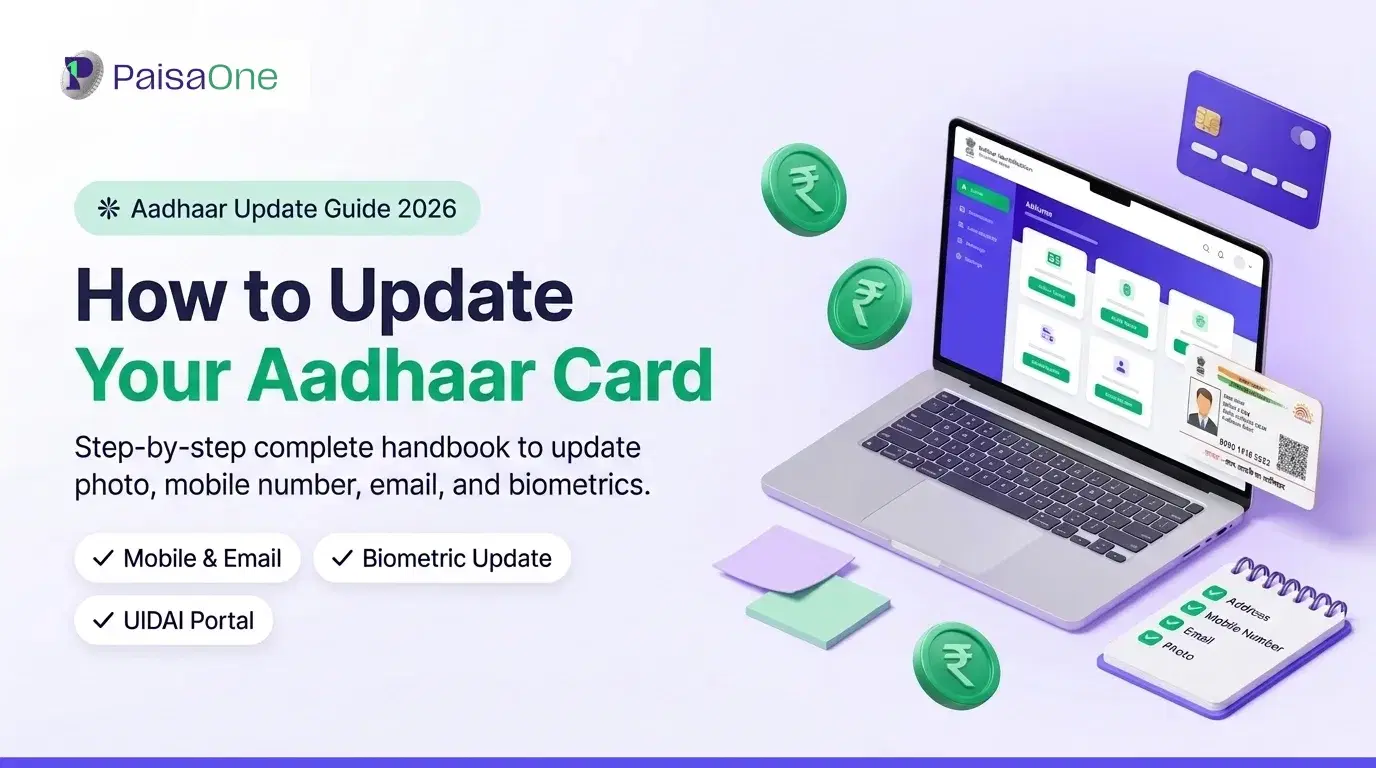
Your Aadhaar card is one of India's most important identity documents, linked to your bank account, income tax filings, mobile number, and every financial application you make. Keeping your Aadhaar details accurate is not just administrative housekeeping; it's essential for seamless KYC verification, loan applications, government scheme benefits, and insurance.
If you've recently moved, changed your name, or need to update any other detail, this guide explains exactly how to do an Aadhaar card update, online and offline, in 2026. We've covered every update type, the documents you'll need, status tracking, and common errors so you don't have to visit multiple sites to find the answer.
Why You May Need to Update Your Aadhaar Card
There are several common reasons Indians need to update their Aadhaar details:
• Change of address, moving to a new city, shifting homes, or updating a temporary address to permanent
• Name correction, spelling errors, name change after marriage, or legal name change
• Mobile number update, changing your registered number for OTP access
• Date of birth correction, discrepancies between Aadhaar and other ID documents
• Photo update, if your current Aadhaar photo is very old or no longer resembles you
• Gender correction, clerical errors in the original enrolment
Keeping Aadhaar updated ensures you can use it smoothly for bank KYC, loan applications, passport renewals, and accessing government schemes. Outdated Aadhaar details are one of the most common reasons loan or credit card applications are delayed.
What Details Can You Update in Aadhaar?
UIDAI currently allows updates to the following fields:
• Name
• Address
• Date of Birth (allowed once only, with supporting proof)
• Gender
• Mobile Number (offline only, cannot be updated online)
• Photo and Biometrics (offline only)
• Email Address
Note: Your 12-digit Aadhaar number itself cannot be changed. Only the details associated with it can be updated.
How to Update Aadhaar Card Online (myAadhaar Portal)
The fastest way to update most Aadhaar details is through the official myAadhaar portal at myaadhaar.uidai.gov.in. Here is the full process:
Step 1, Visit the myAadhaar Portal
Open myaadhaar.uidai.gov.in on your browser. Ensure you are on the official UIDAI website, check that the URL is correct and the site uses HTTPS. Avoid third-party sites or apps that claim to offer Aadhaar update services, as these are unofficial and potentially fraudulent.
Step 2, Log In with Your Registered Mobile OTP
Click "Login" on the homepage. Enter your 12-digit Aadhaar number in the field provided. You will receive a One-Time Password (OTP) on the mobile number currently registered with your Aadhaar. Enter the OTP to log in successfully.
Important: Only the mobile number already registered with your Aadhaar can receive the OTP. If your registered mobile number has changed or was never added, you cannot use the online portal for updates. You must visit an Aadhaar Seva Kendra (ASK) in person.
Step 3, Select 'Update Aadhaar Online'
Once logged in, navigate to the 'My Aadhaar' section in the menu. Select "Update Aadhaar Online" from the options available on your dashboard.
Step 4, Choose the Field to Update
Select the detail or details you want to update: name, address, date of birth, or gender. You can update multiple fields in a single request if needed. Fill in the updated information carefully, it must exactly match your supporting document, including spelling, spacing, and punctuation.
Step 5, Upload Supporting Documents
For each field you're updating, you'll need to upload a supporting document in JPG, JPEG, or PDF format. Maximum file size is 2MB per document. Ensure the scan or photo is clear, legible, and shows all required details. See the documents section below for what is accepted for each update type.
Step 6, Review and Submit, Get Your URN
Review all the information and uploaded documents before submitting. Once you're satisfied, click Submit. You will receive an Update Request Number (URN) on screen and via SMS to your registered mobile number. Save this number, you'll need it to track the progress of your update. Online updates are completely free of charge.
Read More: How to Check PF Balance in 2026
How to Update Aadhaar Card Offline (Aadhaar Seva Kendra)
If you prefer in-person service, or if your update type requires it (mobile number, photo, biometrics), you'll need to visit an Aadhaar Seva Kendra (ASK) or an authorised Aadhaar Enrolment Centre.
Steps for Offline Update:
1. Locate your nearest ASK using the "Locate Enrolment Centre" tool on uidai.gov.in
2. Visit the centre during working hours with original documents you want to update
3. Fill out the Aadhaar Update/Correction Form at the centre (printed copies are available there)
4. Submit the completed form along with self-attested photocopies of your supporting documents
5. Complete biometric verification at the counter, this includes fingerprint and iris scanning
6. Collect your acknowledgement slip, which contains your Update Request Number (URN)
A service fee of ₹50 per update request applies for offline ASK updates, as per UIDAI guidelines. Note: this fee covers your visit and the update process, regardless of how many fields you update in one visit.
How to Update Mobile Number in Aadhaar
Many people search for how to update their mobile number in Aadhaar online, but this is not currently possible through the myAadhaar portal. Mobile number updates must be done in person at an Aadhaar Seva Kendra.
This is because mobile number updates require biometric verification to confirm your identity, a security measure that cannot be replicated through document uploads online.
To update your mobile number in Aadhaar:
1. Visit your nearest Aadhaar Seva Kendra (use the UIDAI locator at uidai.gov.in)
2. Carry your original Aadhaar card or e-Aadhaar printout
3. Carry the new SIM card/mobile number you want to register (ensure the new number is active)
4. Complete the biometric verification at the counter
5. No additional documents are required, just your Aadhaar and the new mobile number
6. Pay the ₹50 service fee and collect your acknowledgement slip
Your new mobile number will typically be linked to your Aadhaar within a few working days.
Documents Required for Aadhaar Update
The documents you need depend on which field you're updating:
For Address Update (Proof of Address, POA):
• Bank passbook or bank statement with current address
• Electricity, water, or gas bill dated within the last three months
• Voter ID (Electoral Photo Identity Card)
• Passport (current and valid)
• Driving Licence
• Rent agreement or lease deed (registered or notarised)
• Government-issued accommodation allotment letter
For Name Update (Proof of Identity, POI):
• PAN Card
• Passport
• Voter ID
• Driving Licence
• School or college leaving certificate
• Marriage certificate (for name change after marriage)
For Date of Birth Update:
• Birth Certificate (municipality or hospital-issued)
• Passport
• School leaving certificate (Class 10 or equivalent)
• Matriculation certificate
All documents must be in your name and must clearly display the details you are updating. For address documents, the address shown must match the address you are updating to in Aadhaar. Scans or photos must be clear, complete, and legible, blurry or partially cut-off documents will result in rejection.
How to Track Your Aadhaar Update Status
After submitting your update request, online or offline, you can track its progress in two ways:
Online:
1. Visit myaadhaar.uidai.gov.in
2. Click on "Check Aadhaar Update Status"
3. Enter your 12-digit Aadhaar number and your URN
4. The portal will display your current update status: under review, completed, or rejected
By Phone:
Call the UIDAI helpline at 1947 (toll-free, available in multiple languages) and provide your Aadhaar number and URN to a representative for a status update.
You will also receive SMS notifications to your registered mobile number at key stages of the process.
Common Errors and How to Fix Them
OTP Not Received
If you do not receive your OTP, wait a few minutes and try again. Ensure your registered mobile number has an active network connection. If the number is no longer active or has changed, you cannot use the online portal, visit an ASK instead.
Document Not Matching
This is the most common reason for update rejection. Double-check that the name, address, or other details on your uploaded document exactly match what you've entered in the update form, even minor differences like "Ravi Kumar" versus "R. Kumar" can cause rejection. Re-upload with a document where the details match precisely.
Update Request Rejected
UIDAI will send an SMS specifying the reason for rejection. Common reasons include illegible document scans, information mismatches, or an unacceptable document type. Review the rejection reason, prepare the correct documents, and resubmit through myAadhaar or visit an ASK.
Unable to Login to Portal
If you cannot log in, try clearing your browser's cache and cookies and attempt login in a different browser. Ensure you are entering the full 12-digit Aadhaar number correctly. If the OTP still doesn't arrive, your registered mobile number may be inactive or changed, in which case an in-person ASK visit is required.
Portal Down or Slow
The myAadhaar portal sometimes experiences high traffic. Try again during off-peak hours (early morning or late evening) or on a weekday.
How Long Does an Aadhaar Update Take?
After successful submission, Aadhaar updates are processed within a maximum of 90 days. In practice:
• Common updates (address, name): typically completed in 2–10 working days
• Date of birth updates: may take slightly longer as additional verification may be required
• Mobile number updates at ASK: usually 2–5 working days
Once your update is processed, your updated e-Aadhaar can be downloaded immediately from myaadhaar.uidai.gov.in. A physical Aadhaar card will be mailed to your updated address for address-related updates.
Why Keeping Aadhaar Updated Matters for Financial Services
An accurate, up-to-date Aadhaar is essential for every financial transaction in India. Banks, NBFCs, and financial platforms require Aadhaar-based eKYC when you apply for loans, credit cards, insurance, or investment products. If your Aadhaar details don't match your bank records or application information, your financial applications can be delayed or rejected, even when you're otherwise fully eligible.
Once your Aadhaar details are accurate and current, you're in the best position to make the most of India's financial ecosystem. Through PaisaOne, you can compare and apply for personal loans, credit cards, home loans, and insurance plans from multiple banks and NBFCs, all in one place, with smooth KYC verification.
FAQ: Aadhaar Card Update
Can I update my Aadhaar card online without visiting a centre?
Yes, for name, address, date of birth, and gender updates, you can use the myAadhaar portal at myaadhaar.uidai.gov.in. However, mobile number and biometric updates (photo, fingerprint, iris) cannot be done online and require an in-person visit to an Aadhaar Seva Kendra.
What is the fee for updating Aadhaar online?
Online updates via myaadhaar.uidai.gov.in are completely free of charge. If you visit an Aadhaar Seva Kendra for an offline update, a nominal service fee of ₹50 applies per update request, as per UIDAI guidelines.
How long does it take to update Aadhaar address online?
Most address update requests are processed within 2–10 working days after submission. The maximum processing time is 90 days. You can track your update status at myaadhaar.uidai.gov.in using your Aadhaar number and the URN provided at submission.
Can I update my name in Aadhaar?
Yes, name corrections can be made online via the myAadhaar portal with a valid Proof of Identity document (PAN card, passport, voter ID, or driving licence). Note that the allowed scope of name changes is governed by UIDAI guidelines, typically minor corrections are processed smoothly, while a significant name change (such as after marriage) may require a marriage certificate.
What should I do if my Aadhaar update request is rejected?
You will receive an SMS from UIDAI with the specific reason for rejection. Common causes include document mismatches, illegible document scans, or an unacceptable document type. Review the reason carefully, prepare the correct supporting document, and resubmit your request online through myAadhaar, or visit an Aadhaar Seva Kendra.
Can I update Aadhaar without a registered mobile number?
If your mobile number is not registered with Aadhaar, you cannot use the online myAadhaar portal for any updates, as OTP login requires a registered mobile. In this case, you must visit an Aadhaar Seva Kendra in person for any update type, including first registering a mobile number.
Liked this article?
Share it with your friends or get an instant summary with AI.
Divya
Divya Kumari is an SEO & Content Strategist with experience in organic traffic growth, topical authority building, and content-led SEO strategies. She specializes in creating user-focused content for finance and SaaS websites, helping brands improve visibility through structured content planning, internal linking, and search optimization techniques.