How to Check PF Balance in 2026: Step-by-Step Guide
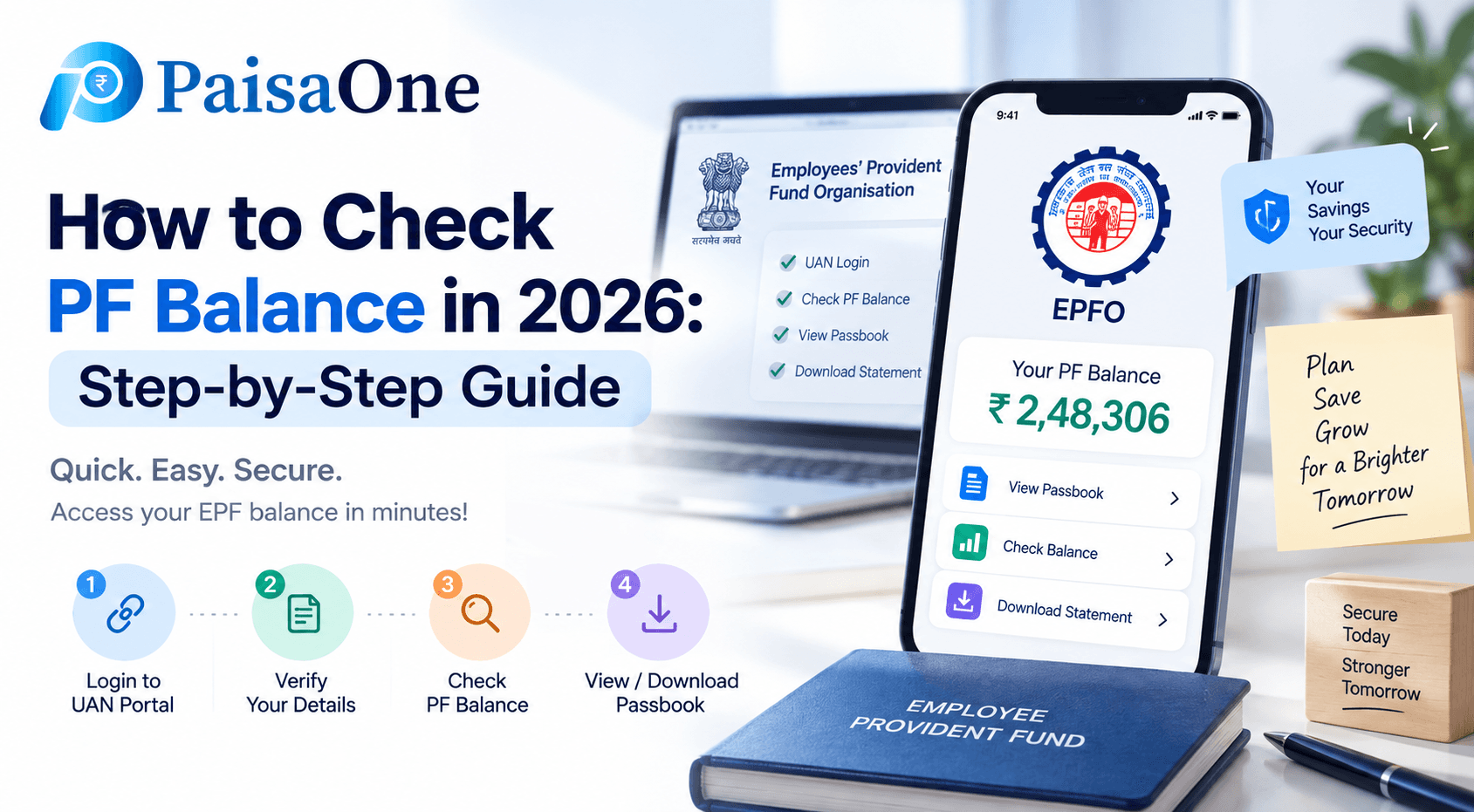
Your PF balance can be checked in 30 seconds, or it can take 10 minutes depending on which method you use.
Before reading through all six methods, find your fastest route:
Go directly to your method below.
First: Do You Have These? (Check Before You Start)
Most PF balance methods require these to work. If you're missing any, check here first.
1. Active UAN (Universal Account Number) Before checking PF balance through online or offline methods, members must ensure their UAN is activated and KYC details are linked. Without these, most PF balance check services will not work.
Your UAN is a permanent 12-digit number assigned to you as a salaried employee. You get it when you join your first job. If you don't know your UAN, your salary slip or your HR team will have it.
To activate your UAN:
Visit the EPFO Member Portal (unifiedmember.epfindia.gov.in)
Click "Activate UAN", enter UAN, Aadhaar, and mobile number
Enter OTP sent to your mobile → Done
2. KYC Linked to UAN Your Aadhaar, PAN, and bank account must be linked to your UAN in the EPFO system. This is mandatory for missed call and SMS services.
3. Registered Mobile Number Your mobile number must be registered with EPFO. This is the number that receives the SMS balance response and the OTP for portal logins.
Method 1, Missed Call (Fastest: 30 Seconds, No Internet)
To check PF balance by missed call, dial 9966044425 from your registered mobile number. The call will ring and disconnect automatically. It is a free service. You will receive an SMS with your UAN, name, date of birth, and total balance.
Step 1: Dial 9966044425 from the mobile number registered with your UAN
Step 2: The call disconnects automatically after 2–3 rings
Step 3: Wait 1–2 minutes, an SMS arrives with your PF balance summary
What the SMS tells you: Your UAN, name, date of birth, and total PF balance. It shows your most recent balance update, not real-time today's data.
If the SMS doesn't arrive:
Confirm your mobile number is registered in the EPFO portal
Confirm your Aadhaar or PAN KYC is completed
Ensure your UAN is active and seeded with your bank account, Aadhaar, or PAN for this to work.
Method 2, SMS (No Internet, Language of Your Choice)
If you want your balance information in Hindi, Tamil, Marathi, or another regional language, the SMS method is the right choice.
Send an SMS in the format EPFOHO UAN to 7738299899. To receive updates in a preferred language, add the language code at the end, for example, HIN for Hindi or TAM for Tamil.
SMS format: EPFOHO [Your 12-digit UAN] [Language Code]
Example: EPFOHO 100200300400 HIN, sends balance in Hindi
Full language code table:
Send to: 7738299899
This is particularly useful when you're in an area with slow data but have basic SMS connectivity, or if you're helping a family member who prefers their regional language.
Method 3, EPFO Member Passbook Portal (Full Detail + History)
For a complete breakdown of all your contributions, interest credits, and withdrawal history, the EPFO portal is the most detailed option.
Step 1: Visit passbook.epfindia.gov.in
Step 2: Enter your UAN and password; complete the captcha
Step 3: Select the employer/company whose account you want to view (appears if you've had multiple jobs)
Step 4: View or download your passbook as PDF
Your balance will be displayed once you are logged in, showing your complete passbook.
What you can see:
Month-by-month employee contribution (12% of basic)
Month-by-month employer contribution (3.67%)
Interest credited (annually, in March)
Any withdrawal transactions
Pension contribution (EPS, separate column)
Common issue: The captcha on this portal is notoriously difficult on mobile browsers. If you're having trouble, use the UMANG app instead, it now has face authentication that bypasses the captcha entirely.
Method 4, UMANG App (Best Mobile Experience in 2026)
Download the UMANG app and register using your mobile number and an OTP. Search for EPFO on the search bar. Click on Employee Centric Services, then View Passbook. Enter your 12-digit UAN and click Submit. You will see the details related to the companies you have worked for. Click on the employer whose information you want to see, the total balance, employee share, employer share, and pension contribution will be displayed.
Step-by-step:
Download UMANG from Play Store or App Store (search "UMANG Government")
Register with your mobile number + OTP, or log in if already registered
Tap the search bar → type "EPFO" → select from results
Tap "Employee Centric Services" → "View Passbook"
Enter your 12-digit UAN → OTP sent to registered mobile → enter OTP
Select your employer from the list → passbook displays
2026 update: UMANG now supports biometric face authentication login. UMANG features Auto-Login biometrics in 2026, bypassing the frustrating Invalid Captcha loops found on mobile web browsers. Enable this in UMANG Settings → Face Authentication.
What you see here: Same information as the passbook portal, plus claim status if you've submitted any withdrawal claims.
Method 5, DigiLocker (Official Document for Loans or Applications)
If you need your PF statement as an official document, for a home loan application, visa processing, or court/legal purpose, DigiLocker provides a verifiable PDF.
Login to DigiLocker.gov.in or the DigiLocker app (login with Aadhaar)
Go to "Search Documents" → search "EPFO"
Link your UAN to your DigiLocker account
Download your EPF Account Statement as a digitally signed PDF
This document carries the same legal validity as a physically issued document. Banks and financial institutions accept it for home loan processing.
Method 6, HR Portal or Salary Slip (Exempted Establishments)
Some large employers, certain government companies, major private sector firms, and PSUs, manage their own PF trust rather than depositing with EPFO directly. These are called "exempted establishments."
Some large companies manage their own PF funds. You cannot see your balance on the EPFO portal.
How to tell if this applies to you: Log in to the EPFO Member portal → your member ID will begin with a specific regional office prefix. If your employer is exempted, the portal may show no account or incomplete data.
What to do instead:
Check your monthly salary slip, PF balance or YTD contributions are typically shown
Log into your company's HR self-service portal (SAP, Workday, or internal HR portal)
Contact your HR or payroll team directly, they have access to the trust records
If you've left an exempted establishment, your PF may need to be transferred through your ex-employer's trust to your current EPFO account.
What Your PF Balance Actually Means
Most people see a number in their PF account and assume it's their total savings. The breakdown is more nuanced.
Your monthly contribution: 12% of your basic salary + Dearness Allowance (DA). This deducted amount goes entirely into your EPF account.
Your employer's contribution: Also 12% of your basic + DA, but it's split:
3.67% goes into your EPF account (appears on your passbook as "employer share")
8.33% goes into EPS, the Employees' Pension Scheme (pension fund, separate)
This is why your employer's share in your EPF passbook looks smaller than your own contribution. The remaining 8.33% is not lost, it builds your pension entitlement.
Pension (EPS): This is shown separately on your passbook. You cannot withdraw it freely. After completing 10 years of continuous service, you're entitled to a monthly pension after age 58. Before 10 years, it can be withdrawn as a lump sum on exit.
Interest: The interest rate for FY 2024-25 is 8.25% per annum, credited annually. Interest appears in your passbook each March for the previous financial year.
Your withdrawable total: Employee share + employer's 3.67% EPF share = the amount you can withdraw. The EPS portion has its own rules.
Troubleshooting: Why Your PF Balance Might Not Show
Problem 1: Balance hasn't updated for the current month Employer may not have filed ECR (Electronic Challan cum Return) for the month, or EPFO hasn't updated contribution in their system. Fix: Wait until the 25th of the following month. If still missing, contact HR to confirm ECR filing date.
Problem 2: SMS or missed call not working Cause: Mobile number is not registered with UAN, or KYC not completed. Fix: Login to EPFO portal → Manage → KYC → link Aadhaar and bank account → submit for employer verification.
Problem 3: Portal shows zero balance or "member not found" Cause: UAN is not yet activated, or you have multiple UANs (common when changing jobs without transferring PF). Fix: Activate UAN on EPFO portal. If multiple UANs, submit a UAN merge request through your current employer.
Problem 4: "Inoperative account" message Cause: No contributions for 36 consecutive months. Fix: Update KYC on the portal. If account remains inoperative, contact your regional EPFO office for reactivation.
Problem 5: Captcha won't work on mobile browser Fix: Use UMANG app with face authentication, completely bypasses portal captcha.
What to Do After Checking Your PF Balance
Once you know your balance, here's how to use that information:
Verify employer compliance: Your monthly passbook should show contributions for every month you were employed. Missing months mean your employer hasn't filed ECR, raise this with HR immediately.
Planning to change jobs: Transfer your PF using Form 13, don't withdraw. Premature withdrawal before 5 years of service attracts income tax on the full amount withdrawn.
Emergency withdrawal: You can make partial withdrawals for housing (purchase or construction), medical emergencies, marriage, or education. Rules apply based on years of service.
Home loan documentation: Your PF passbook is a valid proof of savings and long-term employment for home loan applications. Use DigiLocker for an official version.
FAQ
Q: How do I check PF balance without internet?
Give a missed call to 9966044425 from your registered mobile number. You will receive an SMS with your balance details, no internet required. Alternatively, send an SMS in format EPFOHO UAN ENG to 7738299899. Both are free services.
Q: What is the PF balance check missed call number?
Dial 9966044425 from your registered mobile number. The call disconnects automatically and you receive a free SMS with your UAN, name, and PF balance. Your KYC must be linked for this to work.
Q: How do I check PF balance in the UMANG app?
Download UMANG, log in, search for EPFO, select View Passbook, enter your UAN, verify via OTP, and tap your employer name to see balance details. In 2026, face authentication login is available, faster and captcha-free.
Q: Can I check PF balance without UAN?
Full balance details require UAN activation. You can check claim status using Aadhaar, but not your complete balance without UAN. To find a forgotten UAN: visit EPFO portal → Know Your UAN → enter registered mobile → receive OTP → UAN displayed.
Q: Why is my PF balance not showing the latest month?
Employer may not have filed ECR for the month, or EPFO hasn't updated the contribution. PF typically updates by the 25th of the following month. If consistently missing, ask HR to confirm ECR submission.
Q: Is there any charge for checking PF balance?
No. All PF balance check services, SMS, missed call, portal, are completely free. The missed call disconnects automatically with no call charge. The SMS service is free to the recipient.

Divya
Divya Kumari is an SEO & Content Strategist with experience in organic traffic growth, topical authority building, and content-led SEO strategies. She specializes in creating user-focused content for finance and SaaS websites, helping brands improve visibility through structured content planning, internal linking, and search optimization techniques.