
E Challan Punjab – Check & Pay Punjab Challan Online Traffic Police & Parivahan

E Challan Punjab – Check & Pay Punjab Traffic Challan Online

Punjab has significantly expanded its e challan enforcement network over the past several years, with cities like Ludhiana, Amritsar, Jalandhar, and Chandigarh seeing active camera-based enforcement alongside traditional officer-issued challans. Whether you have received an SMS about a pending Punjab traffic fine, want to verify a vehicle's challan history before a used car purchase in Ludhiana or Amritsar, or need to clear outstanding dues before an RC transfer at any Punjab RTO, this guide directs you to the correct official portals at every step.
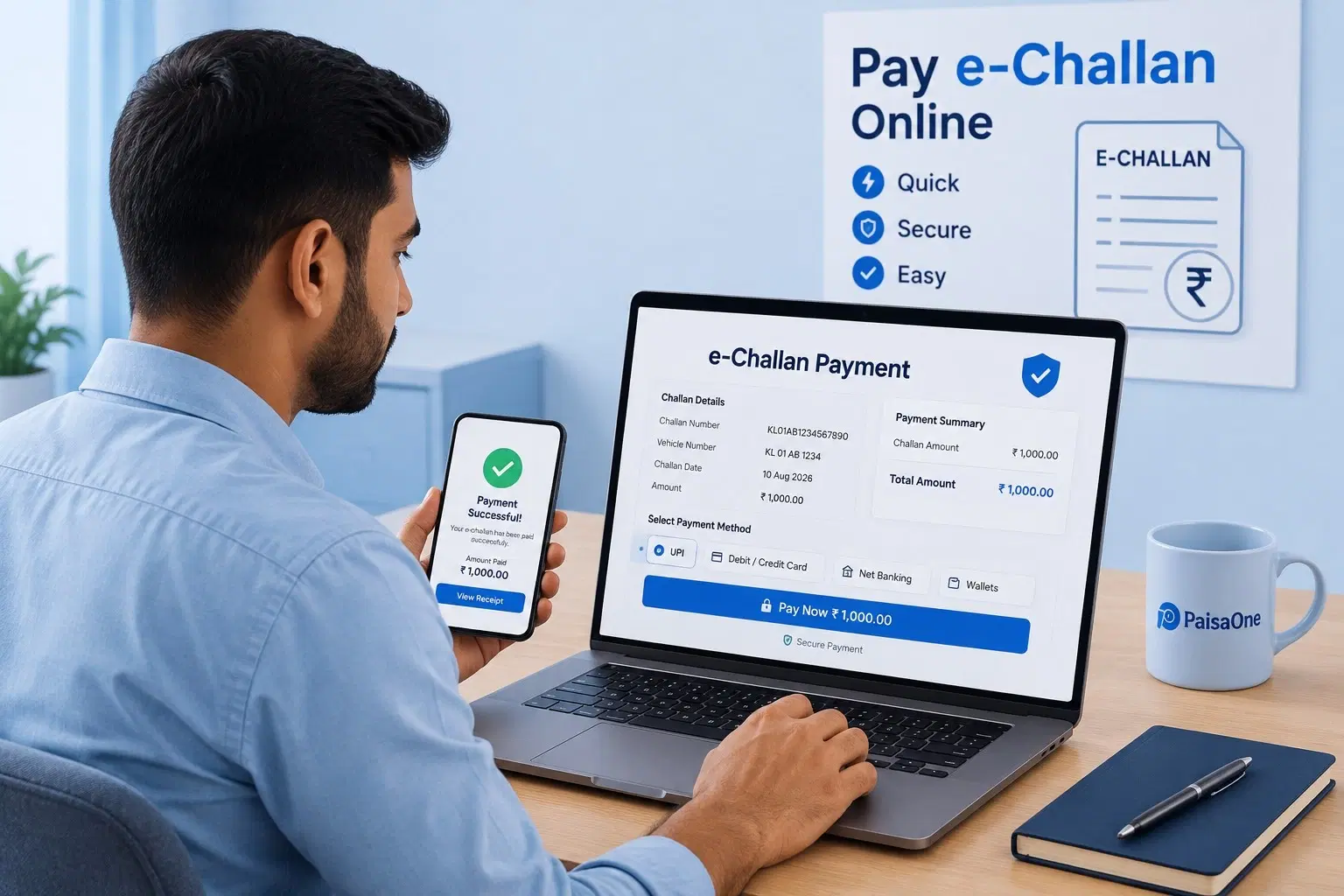
E Challan Punjab – Check & Pay Punjab  Challan Online Traffic e-Challan payment

E Challan Punjab – Check & Pay Punjab Challan Online Traffic Violations & Penalties

Statutory fine amounts as amended under the Motor Vehicles Act across E Challan Punjab – Check & Pay Punjab Challan Online.

Violation DescriptionMV Act SectionFine Amount
Over Speeding (LMV / Light Motor Vehicle)Section 183(1)₹1,000 – ₹2,000
Jumping Red Light Signal (RLVD Camera)Section 184₹1,000 – ₹5,000
Riding Without Certified Helmet (Two-Wheeler)Section 194D₹1,000
Driving Without SeatbeltSection 194B₹1,000
Driving Without Valid Motor InsuranceSection 196₹2,000 (1st) / ₹4,000 (2nd)
Drunken Driving / Under Substance InfluenceSection 185₹10,000
Driving Without a Valid Driving LicenceSection 181₹5,000
Using Mobile Phone While DrivingSection 184(c)₹1,000 – ₹5,000
Driving Without Valid Pollution Certificate (PUC)Section 190(2)₹10,000

How to Pay Your e-Challan Online in E Challan Punjab – Check & Pay Punjab Challan Online

Follow these simple steps to settle traffic fines on the official Parivahan payment gateway:

  1. 1Visit echallan.parivahan.gov.in and select Check Challan Status.
  2. 2Enter your Vehicle Registration Number and the last 5 digits of Chassis/Engine number.
  3. 3Review camera snapshots, violation details, and select Pay Now via UPI, NetBanking, or Debit Card.
  4. 4Download and store the official receipt with Transaction ID for future RTO clearance.

Money Deducted but Challan Still Pending?

If payment was debited from your bank account but the status remains “Pending” on Parivahan, click on “Check Pending Transaction” on the portal. Banking settlements reconcile within 24 to 48 hours. If unresolved, provide your payment UTR to the state traffic helpdesk.

e-Challan Status Codes Explained

Pending

Fine issued within 60-day window and eligible for immediate online settlement.

Disposed

Payment successfully reconciled and cleared from all statutory records.

Virtual Court

Case forwarded to digital magistrate court for compounding or summons.

Major RTO Districts in E Challan Punjab – Check & Pay Punjab Challan Online

E Challan Punjab – Check & Pay Punjab Challan Online – Central RTOE Challan Punjab – Check & Pay Punjab Challan Online – North ZoneE Challan Punjab – Check & Pay Punjab Challan Online – South ZoneE Challan Punjab – Check & Pay Punjab Challan Online – East ZoneE Challan Punjab – Check & Pay Punjab Challan Online – Expressway HubE Challan Punjab – Check & Pay Punjab Challan Online – Metropolitan Zone

How to Contest a Wrong Challan in E Challan Punjab – Check & Pay Punjab Challan Online

In case of cloned license plates or camera misreads, log on to echallan.parivahan.gov.in → Complaint. Submit vehicle RC copy, photos showing physical differences, and GPS proof. The traffic adjudication cell will review and cancel wrongful notices.

Legal Consequences of Unpaid Challans

Under Section 183-194 of the MV Act, continuous evasion beyond 60 days results in RC blacklisting on Vahan, suspension of driving license for up to 3 months, vehicle impoundment upon checkpoint interception, and court warrants issued by Virtual Courts.

State Traffic Guide

Frequently Asked Questions

Clear guidance on traffic penalties, automated cameras, and court summons in E Challan Punjab – Check & Pay Punjab Challan Online.

01How do I check my Punjab e challan status online?
Visit echallan.parivahan.gov.in, click "Check Challan Status," select "Vehicle Number," enter your PB registration number, complete the captcha, and click "Get Detail." All pending and paid Punjab Traffic Police challans for that vehicle are displayed immediately.
02How do I pay a Punjab e challan online?
Go to echallan.parivahan.gov.in, select "Pay Challan," enter your PB vehicle number or challan number, review the details, and pay via UPI, net banking, or card. Download the receipt immediately after payment as permanent proof of clearance.
03What is the fine for driving without insurance in Punjab?
₹2,000 for a first offence under the MV Amendment Act 2019, with possible imprisonment up to 3 months. Punjab applies central MV Act rates with no state-level reduction. Repeat offences attract ₹4,000. Insurance checks are routine during Punjab Traffic Police enforcement drives.
04Can I contest a wrong Punjab e challan?
Yes. Submit a grievance at echallan.parivahan.gov.in under "Grievance" with your challan number and supporting documents, RC copy, sale deed, or dashcam footage. Alternatively contest via vcourts.gov.in. The relevant Punjab Traffic Police district unit reviews and responds within 7–30 working days.
05How long do I have to pay a Punjab e challan?
60 days from the date of issue. After 60 days the case escalates to a Virtual Court or Punjab district court, where additional court fees are added on top of the original fine amount.
06Will unpaid Punjab challans block my RC renewal or vehicle transfer?
Yes. All 20 Punjab RTO offices check for outstanding challans before processing RC renewal, ownership transfer, or interstate NOC. The VAHAN system flags all pending dues and automatically blocks these transactions until every challan is cleared.